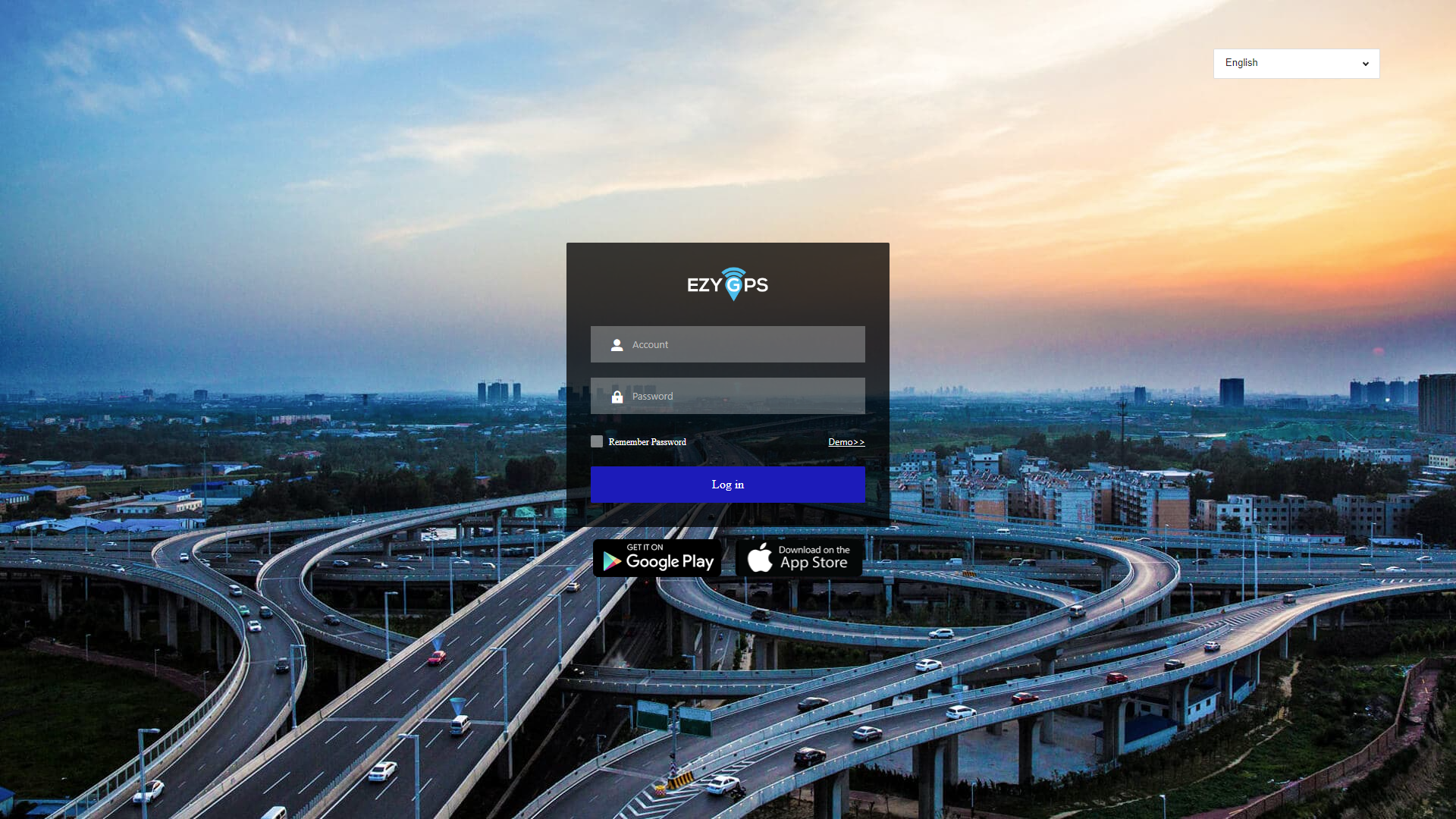
By choosing Account /IMEI No. login, you will enter the login to the Ezy GPS tracking platform.
Account login: You will be provided with your login details by Ezy GPS. You only need to enter your username and password to get started. If you would like to select a different language, it can be found in the upper right corner of the login page. Currently, the platform supports 15 languages, including English, French, Chinese and German. Click the login button to log in to the system.